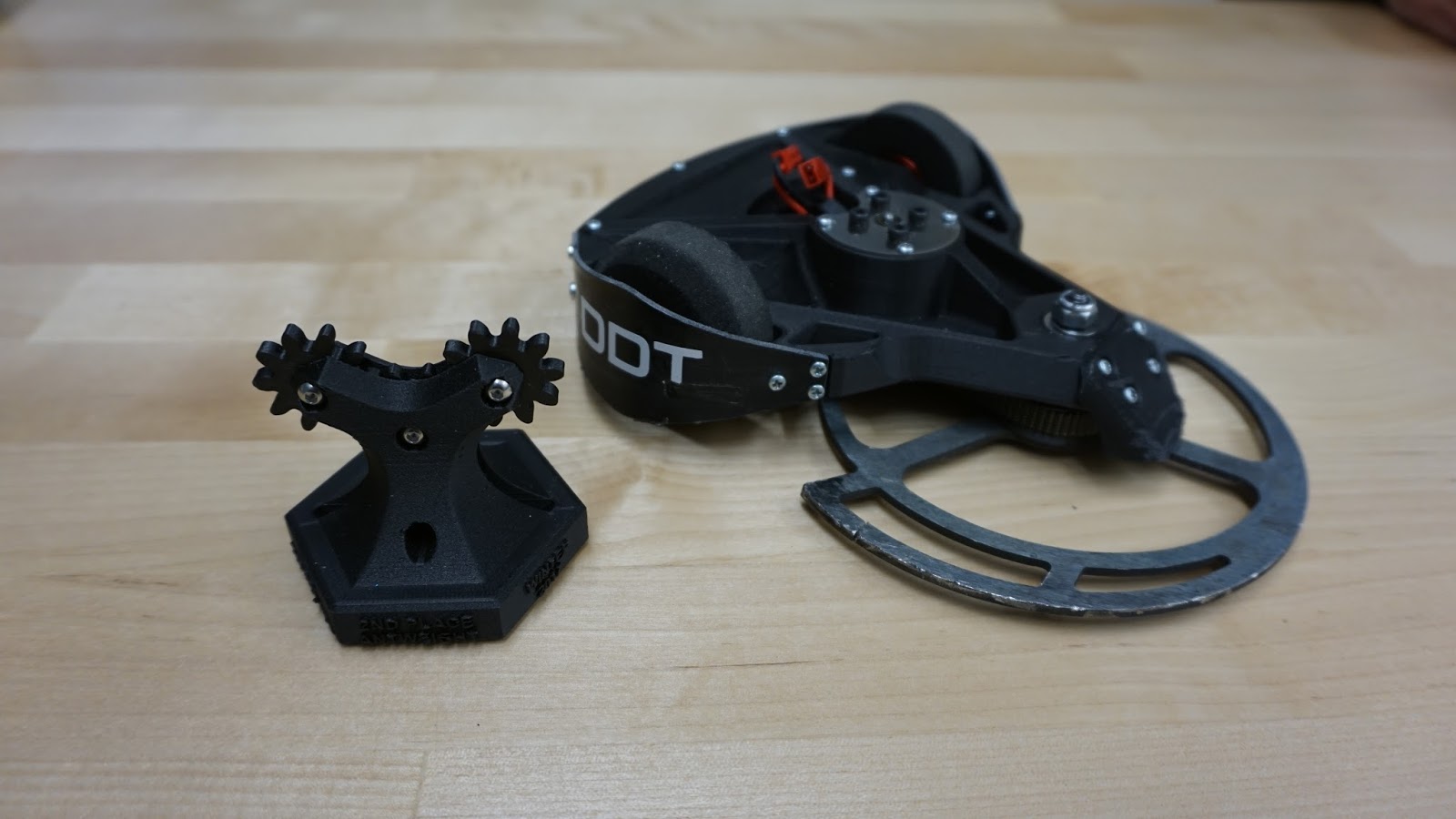
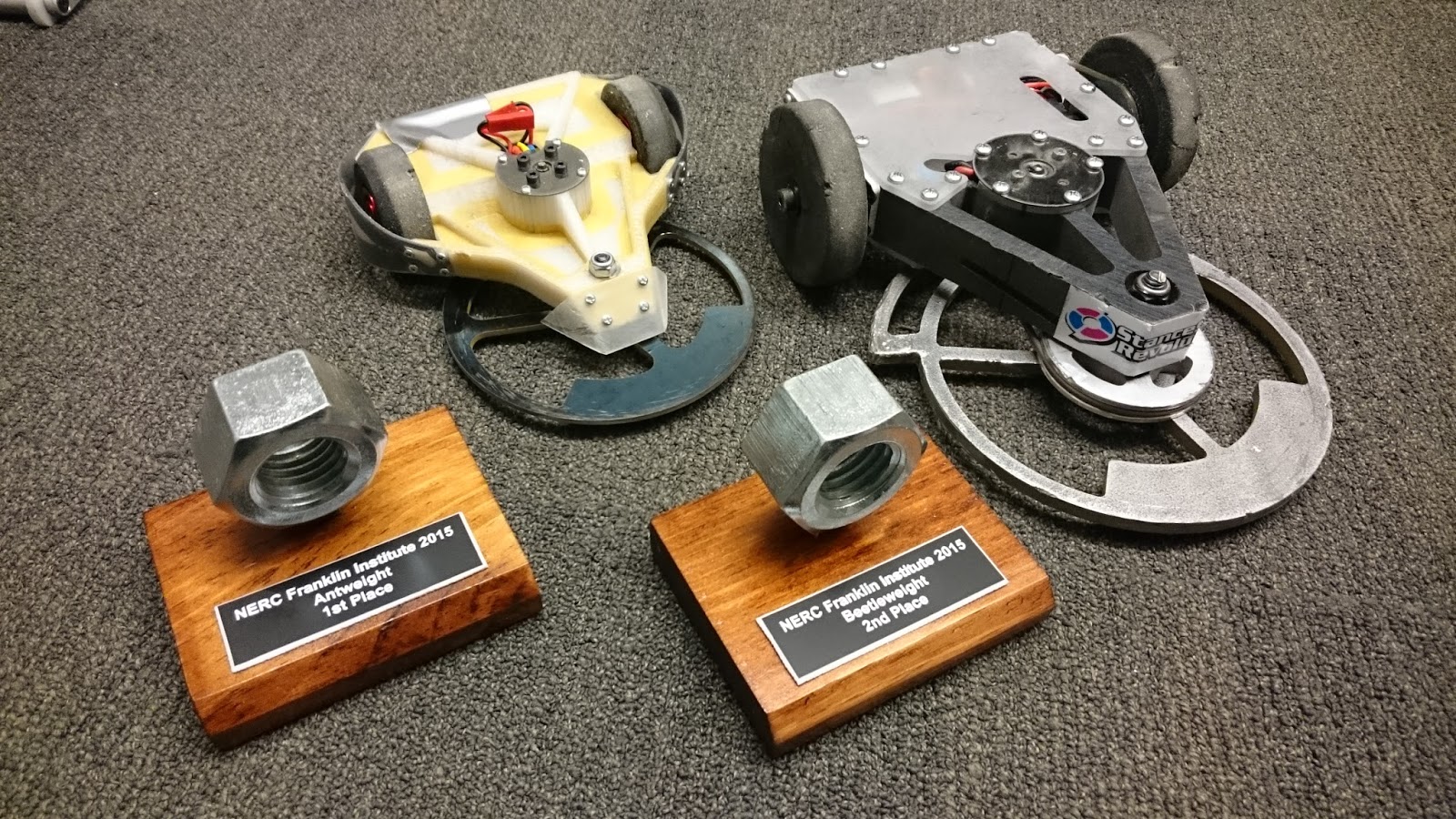
Today I took a little adventure to visit my good buddy Chris down over at Bolt IO, a new shiny hardware startup incubator located conveniently close to campus (and chinatown!). Needless to say, I'll be visiting often.
This trip, for this time anyway, included the use of the T, so I had to park my scooter somewhere on campus. When I returned, I visited the ME graduation banquet and then returned home for a bit. Later, I left my housing again for a meeting with my PI over in building 35. Nowhere throughout the day did I charge guavascooter. This was a perfect additional data point to hopefully better estimate traversal distance. Here is the route:
A total of 3.5 miles. using the numbers from last post, we expect a battery expenditure of about 1170 mAh per mile. However, today's route only used 3170 mAh, which means approximately 905 mAh were expended per mile. This results in a projected distance of 7.6 miles. Lets say 7 miles just to be safe.
The second test that day was the speed test. I selected the section of road between Amherst Alley and Mass Ave as the trial space. This is a roughly half-mile section of road.
My timer showed I made the trip in approximately 1 minute and 52 seconds. This meant that my scooter maxed out at about 16 miles per hour. That's pretty slow for my tastes considering Razor Wind was estimated to run at 30 miles per hour and Razor Reloaded was to run at ~25. This is not a major issue but if I decide to address it I could change the sprocket ratios or select a new motor.
+C : The Variable Constant
Modeling life's dichotomies one integration at a time.
Saturday, June 8, 2013
Thursday, June 6, 2013
Cambridge and Guavascooter
I made it alive to MIT. Today marks one week of life up here. One week of life walking about because my latest scooter just came today. Discussing the name with Charles, we decided a more fitting name for it was "Guavascooter", as an extension of Melonscooter except using the guava sized SK3 motors.
Without delay, here comes testing.
Tonight I drove this route to MITERS from my temp housing at Tang. Its about 1.68 miles as indicated by the picture above.
This route expended 1967mAh of battery capacity. From a 6900mAh pack, this means I could run this route about three times safely assuming voltage drop does not fall below 21V (ESC cutoff).
Tomorrow, I will determine the max speed of this scooter via time trials down Vassar street. More to post later.
An additional note, I am no longer using the chatparts.ltd esc in Guavascooter. The current ESC is a elifebike esc, which Charles and I will touch on later in the coming weeks. Cheers!
Without delay, here comes testing.
Tonight I drove this route to MITERS from my temp housing at Tang. Its about 1.68 miles as indicated by the picture above.
This route expended 1967mAh of battery capacity. From a 6900mAh pack, this means I could run this route about three times safely assuming voltage drop does not fall below 21V (ESC cutoff).
Tomorrow, I will determine the max speed of this scooter via time trials down Vassar street. More to post later.
An additional note, I am no longer using the chatparts.ltd esc in Guavascooter. The current ESC is a elifebike esc, which Charles and I will touch on later in the coming weeks. Cheers!
Sunday, May 19, 2013
Gigarazor: The Practical Scooter (Backblogging)
About 5-6 weeks ago, I bought one of these from a fellow Georgia Tech Student.
What is it? That is a fully functional Razor E300 electric scooter. I bought it with the intention of making it even MORE functional.
I was looking at Cambridge and Boston now. A larger campus with more bumps of sorts from historical sidewalks and roads. I was planning some seriously legit mods to Razor Reloaded (another scooter you dont know about) but opted for the premade sturdy steel frame foreseeing a busy time ahead of me for the final few weeks of the semester.
So what was the plan?
I had bought a Turnigy Aerodrive SK3 6374-149 awhile back and decided it would be my motor choice.
After removing the old components, a motor mount was fashioned quickly from some 3/8" 7075 plate on the waterjet.
I had initially picked the Jasontroller as my brushless controller because my other graduating friend was selling his old equipment. Here is a unmodified no-load test from a bench top power supply.
The battery was comprised from generous donations from A123. This 8s3p pack shown below was bridged using copper mesh instead of copper braiding. I figured the equivalent copper cross section couldnt be any worse than the 12ga wire exiting the pack.
Completed and bundled. Yes, that is a DE9 female connector being used as a balance plug. It works wonderfully.
By this time I started riding it about campus. It did not have a main switch (on order from RMP) nor did it have a top plate. Regardless, it was hella fun.
Then came the top plate. Attempting to bend polycarbonate with a 40W heatgun...
...failing to bend polycarbonate with a heatgun.
What is it? That is a fully functional Razor E300 electric scooter. I bought it with the intention of making it even MORE functional.
I was looking at Cambridge and Boston now. A larger campus with more bumps of sorts from historical sidewalks and roads. I was planning some seriously legit mods to Razor Reloaded (another scooter you dont know about) but opted for the premade sturdy steel frame foreseeing a busy time ahead of me for the final few weeks of the semester.
So what was the plan?
- new motor
- new batteries
- proportional control
- big switch
- power consumption feedback
- new controller
- LEDs everywhere
I had bought a Turnigy Aerodrive SK3 6374-149 awhile back and decided it would be my motor choice.
After removing the old components, a motor mount was fashioned quickly from some 3/8" 7075 plate on the waterjet.
I had initially picked the Jasontroller as my brushless controller because my other graduating friend was selling his old equipment. Here is a unmodified no-load test from a bench top power supply.
The battery was comprised from generous donations from A123. This 8s3p pack shown below was bridged using copper mesh instead of copper braiding. I figured the equivalent copper cross section couldnt be any worse than the 12ga wire exiting the pack.
Completed and bundled. Yes, that is a DE9 female connector being used as a balance plug. It works wonderfully.
By this time I started riding it about campus. It did not have a main switch (on order from RMP) nor did it have a top plate. Regardless, it was hella fun.
Then came the top plate. Attempting to bend polycarbonate with a 40W heatgun...
...failing to bend polycarbonate with a heatgun.
Friday, May 10, 2013
Thrifty Roboting: The Vex Motor Controller 29
The Vex Robotics Motor Controller 29 is quickly becoming the go-to esc for insect weight class robots. It offers a small form-factor single channel esc at a low cost of $10. Very minimal; no LEDs, current protection, or temperature protection.
The website advertises 8.4V, 4A max. Roboteers know from experience that these little controllers can be pushed much higher. Some report running as high as 14.8V on some rather beefy 370 sized motors. this type of performance does not go without some minor electrical work.
The ambiguity arises in the minor modifications. Those who have never hacked about with analog servo boards may be unfamiliar with these methods. This post will provide a step-by step on how to hack your Vextrollers apart and will also conclude with a component level analysis and bench test to decipher their true capabilities.
Modifications:
Step 1: Deshelling the Casing
The enclosure is two halves of injection molded plastic with some drops of CA applied in the seams. To get the crab meat out, it is as simple as cracking the rather brittle superglue.
Apply a sharp knife to the corner and press in until the blade sits within the groove.
Wiggle the knife until the casing begins to pry apart. Repeat this process for all four corners until the shell magically pops off.
Step 2: Modifying the Power Leads
The blackbox IO model of the Vextroller looks like this:
To get higher voltage input to the esc, we need to do some splicing. This is what we want in the end:
Cut the PWM male connector off, and separate the white, black, and red wires from each other.
Then solder another black wire to GND (where there is already a black wire).
You should now have 4 wires coming off of three pins. The white (signal) and one black (GND) wire will go to your receiver. The red (V_in) and other black (GND) will go towards your power source.
Step 3: Add Connectors and Protective Coatings
The last step is to add the appropriate connectors that mate to your devices. It is common to have the female PWM cables for the signal since most hobby receivers use male .1" spaced headers. I typically replace the motor connector with 2mm bullets or simply solder onto the motor ends. The entire esc can be covered in a tube of 3/4" OD heat shrink or potted with a rubberized glue. Completely up to you!
Here is a pair of Vextrollers installed in my Antweight, DDT. I used CA to bind two boards side-by-side and then used breadboard jumpers to connect the V_in and GND together. Because GND is also shared between inputs on the Rx, I only have three wires going to my receiver (expected four) and two wires headed to my power switch. The pair was afterwards wrapped in electrical tape and the leads will be potted in GOOP later.
Congratulations! You now have a simply-elegant insect-class esc. I have created a IGES solid model for the caseless Vextroller for those who wish to integrate it into their CAD. It can be downloaded below:
Parts Breakdown:
Here I have pictures of the top and bottom layout of the board. It can be seen there are some SMT resistors, a tantalum capacitor and some other devices. The main distinguishable components are listed below with datasheet if available.
Aaronbot3000 reports the voltage regulator is linear and outputs 4.5V
Based on these components, the Vextroller should be able to handle 30V and 6.9A continuous. these values are subject to change as more is learned about the gate driver capability and voltage regulator capability.
Performance:
Vextrollers will be tested for their maximum voltage ratings as well as their maximum current ratings through a no-load incremental voltage test and a constant voltage incremental load test. From these experiments we expect to detonate two Vextrollers but hope to determine a maximum wattage rating for robot use.
Known Motor-Voltage-Weight Class Pairings:
Pololu 50:1 - 11.1V - Antweight
![]() |
| Vexbox! |
The website advertises 8.4V, 4A max. Roboteers know from experience that these little controllers can be pushed much higher. Some report running as high as 14.8V on some rather beefy 370 sized motors. this type of performance does not go without some minor electrical work.
The ambiguity arises in the minor modifications. Those who have never hacked about with analog servo boards may be unfamiliar with these methods. This post will provide a step-by step on how to hack your Vextrollers apart and will also conclude with a component level analysis and bench test to decipher their true capabilities.
Modifications:
Step 1: Deshelling the Casing
The enclosure is two halves of injection molded plastic with some drops of CA applied in the seams. To get the crab meat out, it is as simple as cracking the rather brittle superglue.
![]() |
| Stock OEM Vextroller |
Apply a sharp knife to the corner and press in until the blade sits within the groove.
![]() |
| Applying Knife Edge to Vextroller Casing |
Wiggle the knife until the casing begins to pry apart. Repeat this process for all four corners until the shell magically pops off.
Step 2: Modifying the Power Leads
The blackbox IO model of the Vextroller looks like this:
To get higher voltage input to the esc, we need to do some splicing. This is what we want in the end:
Cut the PWM male connector off, and separate the white, black, and red wires from each other.
![]() |
| PWM wires separated. Fourth Wire Created from the Leftovers |
Then solder another black wire to GND (where there is already a black wire).
![]() |
| Black Wire Added to the Underside of the Board |
You should now have 4 wires coming off of three pins. The white (signal) and one black (GND) wire will go to your receiver. The red (V_in) and other black (GND) will go towards your power source.
![]() |
| Done! |
Step 3: Add Connectors and Protective Coatings
The last step is to add the appropriate connectors that mate to your devices. It is common to have the female PWM cables for the signal since most hobby receivers use male .1" spaced headers. I typically replace the motor connector with 2mm bullets or simply solder onto the motor ends. The entire esc can be covered in a tube of 3/4" OD heat shrink or potted with a rubberized glue. Completely up to you!
Here is a pair of Vextrollers installed in my Antweight, DDT. I used CA to bind two boards side-by-side and then used breadboard jumpers to connect the V_in and GND together. Because GND is also shared between inputs on the Rx, I only have three wires going to my receiver (expected four) and two wires headed to my power switch. The pair was afterwards wrapped in electrical tape and the leads will be potted in GOOP later.
Congratulations! You now have a simply-elegant insect-class esc. I have created a IGES solid model for the caseless Vextroller for those who wish to integrate it into their CAD. It can be downloaded below:
Download Link for Vextroller 29
NOTE: Since you will likely be using this controller with other components that supply power to your receiver (BEC) it is not necessary to add the fourth wire for the Rx GND. Instead, use the original three wires where V_in and GND are used for mains power and signal is the only wire going to the Rx. The device supplying BEC will provide GND connection. This technique will reduce ground loops, which are a major source of noise. In other words:
Parts Breakdown:
Here I have pictures of the top and bottom layout of the board. It can be seen there are some SMT resistors, a tantalum capacitor and some other devices. The main distinguishable components are listed below with datasheet if available.
![]() |
| Top of the Vex Robotics Motor Controller 29 |
![]() |
| Bottom of the Vex Robotics Motor Controller 29 |
- Microcontroller: PIC12F615
- Gate Drivers: 301(?)
- Half-Bridges: FDS4935BZ (Fairchild), IRF8313PbF (International Rectifier)
- Voltage Regulator: 2x(?)
Aaronbot3000 reports the voltage regulator is linear and outputs 4.5V
Based on these components, the Vextroller should be able to handle 30V and 6.9A continuous. these values are subject to change as more is learned about the gate driver capability and voltage regulator capability.
Performance:
Vextrollers will be tested for their maximum voltage ratings as well as their maximum current ratings through a no-load incremental voltage test and a constant voltage incremental load test. From these experiments we expect to detonate two Vextrollers but hope to determine a maximum wattage rating for robot use.
Known Motor-Voltage-Weight Class Pairings:
Pololu 50:1 - 11.1V - Antweight
Wednesday, May 8, 2013
Beyond Unboxing: Chinese E-bike Controller (chatparts.ltd)
This post is a preliminary to a much more comprehensive post detailing controller capability that will be made when I am nearby more legit diagnostic equipment. For now, this post will contain my conclusions from observation, use, and light modification.
The "Beyond Unboxing" series is inspired by Charles Guan's posts concerning these same type of escs.
The Thing:
I have purchased a marketed 24V, 250W brushless controller for e-bikes hopefully as a replacement for Jasontrollers. What caught my eye was the cheaper shipping, faster delivery time, and the seller whose English was grammatically correct. It arrived just yesterday and after some observations, I am very excited about this controller.
The seller even included pre-stripped connectors!
Its casing was a interesting trapezoidal feature. Still a single tube of extruded aluminum, still two silicon pads on either end captured by two stainless steel brackets. I even think they used the same screws...
The chatparts esc also has fewer wires. The seller includes a diagram of the connectors (without labeling the individual wires) but there are unfortunately more than 9 connectors on this controller.
In short, it is incomplete. However the function can be deciphers from the connector ends since these are meant to be direct drop-ins for existing EV systems.
The Comparison:
Now lets have a closer look at a jason and chatpart side by side.
Its smaller... Less thick by about 1/8"
Board looks less janky. The chatparts ESC (bottom) has only SMT components whereas the jason (top) does not. I was also intrigued by the 7 labeled vias at the top left of the esc (in this picture, in this orientation). Those look like programming pins. It may be possible to reverse engineer the software and find out REALLY how this guy works.
Again, fewer wires.
Ah the processor! Everything in here is ST Mirco stuff.
MOSFETs: STP75NF75
Processor: STM8S903K3
Performance:
My test rig is just my latest GigaRazor scooter (that none of you know about yet) with a watt meter inline with the power source. Note that this is a sensorless configuration. I will not be able to conclude as to what functions it has but I can at least detail its behaviors.
Unmodified Test runs:
The controller was then modified using the solder-blob shunt method.
Modified Test Runs:
The controller shunt was then lowered to 40A and then 35A afterwards. The choppy behavior still persisted. I took this opportunity to measure to case surface temperature and discovered it was in excess of 120 degrees F AFTER a run at higher current.
My scooter uses an 8s3p A123 LiFePO4 pack and a Turnigy Areodrive SK3 6374-149 motor. This means at nominal voltage I should be rotating ~3933 RPMs. However at charged voltage I would be ~4172 RPMs. For comparable controllers in this application, it exceeds the infamous RPM limit determined by Charles and Shane years ago. To validate the RPM limit cutoff, I will test no-load conditions again using a 24V nominal battery or PSU.
Conclusions:
I will withhold my final judgement until I can more easily explain its behaviors and features. For now I can summarize the main takeaways:
More to come.
The "Beyond Unboxing" series is inspired by Charles Guan's posts concerning these same type of escs.
The Thing:
I have purchased a marketed 24V, 250W brushless controller for e-bikes hopefully as a replacement for Jasontrollers. What caught my eye was the cheaper shipping, faster delivery time, and the seller whose English was grammatically correct. It arrived just yesterday and after some observations, I am very excited about this controller.
The seller even included pre-stripped connectors!
Its casing was a interesting trapezoidal feature. Still a single tube of extruded aluminum, still two silicon pads on either end captured by two stainless steel brackets. I even think they used the same screws...
The chatparts esc also has fewer wires. The seller includes a diagram of the connectors (without labeling the individual wires) but there are unfortunately more than 9 connectors on this controller.
In short, it is incomplete. However the function can be deciphers from the connector ends since these are meant to be direct drop-ins for existing EV systems.
The Comparison:
Now lets have a closer look at a jason and chatpart side by side.
Its smaller... Less thick by about 1/8"
Board looks less janky. The chatparts ESC (bottom) has only SMT components whereas the jason (top) does not. I was also intrigued by the 7 labeled vias at the top left of the esc (in this picture, in this orientation). Those look like programming pins. It may be possible to reverse engineer the software and find out REALLY how this guy works.
Again, fewer wires.
Ah the processor! Everything in here is ST Mirco stuff.
MOSFETs: STP75NF75
Processor: STM8S903K3
Performance:
My test rig is just my latest GigaRazor scooter (that none of you know about yet) with a watt meter inline with the power source. Note that this is a sensorless configuration. I will not be able to conclude as to what functions it has but I can at least detail its behaviors.
Unmodified Test runs:
- No-load behavior: Ramps up until near max throttle where controller experiences cutoff. Not choppy intermittent behavior, simply cuts-off. Repeatable behavior. However does not affect throttle behavior for subsequent runs. Lets consider this feature Controller Protection.
- Load behavior: ~20 Amps current limit stock. Does not experience high speed cutoff under load (perhaps I am not traveling quick enough to reach no-load speeds). ESC is cool to the touch.
The controller was then modified using the solder-blob shunt method.
Modified Test Runs:
- No-load behavior: Experiences intermittent cutoff at higher speeds. It is choppy, unlike the unmodified behavior before.
- Load behavior: increased acceleration as expected. Choppy behavior as described in no-load experienced in load behavior. Watt meter reads ~50 Amps peak. Case is hot.
The controller shunt was then lowered to 40A and then 35A afterwards. The choppy behavior still persisted. I took this opportunity to measure to case surface temperature and discovered it was in excess of 120 degrees F AFTER a run at higher current.
My scooter uses an 8s3p A123 LiFePO4 pack and a Turnigy Areodrive SK3 6374-149 motor. This means at nominal voltage I should be rotating ~3933 RPMs. However at charged voltage I would be ~4172 RPMs. For comparable controllers in this application, it exceeds the infamous RPM limit determined by Charles and Shane years ago. To validate the RPM limit cutoff, I will test no-load conditions again using a 24V nominal battery or PSU.
Conclusions:
I will withhold my final judgement until I can more easily explain its behaviors and features. For now I can summarize the main takeaways:
- Runs sensorless (sensored TBD although it has wires for it)
- Possibly has high eRPM controller protection
- Possibly has a second method of current limiting
- Possibly has over temperature cutoff control
- Smaller and cheaper than Jasontroller
- No self-learn
More to come.
Tuesday, May 7, 2013
The Long Awaited
I fully realize that I have not posted anything new (despite there being absolutely awesome things happening!) since Fall 2012. That is because I was busy. However, I did that thing called graduating and now have oodles of time to back-blog all the good stuff.
Everyone awaits they day they graduate. I've been hearing it from my peers for the past 4 months, accompanied by tears of joy, tears of sadness, and senioritis. The part of graduating I was anticipating the most was actually commencement ceremony. Not because of the symbolism when walking across the stage, or moving the tassel, but because there were large groups of people present. Time to do something awesome in my last hurrah: Decorate my graduation cap.
The original plan was to illuminate a piece of acrylic from the side using RGB LED strips. An arduino nano or equivalent uProcessor would control the transitions between the colors. All of this would be powered by one of my numerous 3s lithium polymer batteries. However, I was lazy with the parts ordering. So here is the final instructable on how to make this guy.
Parts:
Step 1: Design the acrylic cutout
I designed it using SolidWorks. Began with the diamond shape and then extruded-cut the letters. The logo was generated from importing an image and projecting it onto the background. Using the Spline tools I could trace the more complex geometry.
Step 2: Cut chamfers into the polycarbonate at the bend points
The most important thing to remember about this is to have enough allowance in the bend. I'm not going to discuss k-factors here, but cut away some extra material to allow the corners to meet without stressing the sides of the U. Do not just remove material along the theoretical permissible lines.
Step 3: Apply LED strip to the inside of the U-channel
The LED strip I linked too earlier has an adhesive back. This made it much easier to stick to the inside of the channel. Also, I believe the width of this strip is 6mm. Should interface perfectly with the mcmaster part number I also linked earlier.
Step 4: Bind the ends of the U-channel to encapsulate the acrylic cutout
Step 5: Attach to grad cap (hobbyking brand superglue!)
The acyrlic plate actually levitates within the constraints of the polycarb U-channel. If I wanted to reuse these materials, I could unfurl the polycarb channel and simply take everything out...
Step 6: Solder wires and connectors
I recommend adding connectors on both ends of the power switch. One plug will be for your battery, the other allows you to take the cap off without having to extract all your electronic guts. I may update this step to include my wiring harness.
Step 7: Graduate!
The cap was well received by everyone (except the fire marshall). As a result, I received lots of air time that afternoon.
From the GT camera crew there:
... and the Atlanta Journal Constitution.
What a way to cap off the end of a four year adventure. Thank you friends for all the wonderful experiences. I dedicate this work to remember all of you.
Some Responses from non-GT folk:
":OOOOOOOOOOOOOOOO
i want to sex you in the most non gay fashino possible
so one of us has to be in cosplay"
lol...
The next step for me is the legendary MIT!
Everyone awaits they day they graduate. I've been hearing it from my peers for the past 4 months, accompanied by tears of joy, tears of sadness, and senioritis. The part of graduating I was anticipating the most was actually commencement ceremony. Not because of the symbolism when walking across the stage, or moving the tassel, but because there were large groups of people present. Time to do something awesome in my last hurrah: Decorate my graduation cap.
The original plan was to illuminate a piece of acrylic from the side using RGB LED strips. An arduino nano or equivalent uProcessor would control the transitions between the colors. All of this would be powered by one of my numerous 3s lithium polymer batteries. However, I was lazy with the parts ordering. So here is the final instructable on how to make this guy.
Parts:
- graduation cap
- 1 meter long LED strip
- 3s lipoly battery
- polycarbonate U-channel (mcmaster 1753K61)
- a switch (min 1/4 W)
- wire and misc plugs
Step 1: Design the acrylic cutout
I designed it using SolidWorks. Began with the diamond shape and then extruded-cut the letters. The logo was generated from importing an image and projecting it onto the background. Using the Spline tools I could trace the more complex geometry.
The material selected was acyrlic. This was because it had excellent optical properties and could be laser cut using the machines at the Georgia Tech Invention Studio.
Step 2: Cut chamfers into the polycarbonate at the bend points
The most important thing to remember about this is to have enough allowance in the bend. I'm not going to discuss k-factors here, but cut away some extra material to allow the corners to meet without stressing the sides of the U. Do not just remove material along the theoretical permissible lines.
Step 3: Apply LED strip to the inside of the U-channel
The LED strip I linked too earlier has an adhesive back. This made it much easier to stick to the inside of the channel. Also, I believe the width of this strip is 6mm. Should interface perfectly with the mcmaster part number I also linked earlier.
Step 4: Bind the ends of the U-channel to encapsulate the acrylic cutout
Step 5: Attach to grad cap (hobbyking brand superglue!)
The acyrlic plate actually levitates within the constraints of the polycarb U-channel. If I wanted to reuse these materials, I could unfurl the polycarb channel and simply take everything out...
Step 6: Solder wires and connectors
I recommend adding connectors on both ends of the power switch. One plug will be for your battery, the other allows you to take the cap off without having to extract all your electronic guts. I may update this step to include my wiring harness.
Step 7: Graduate!
The cap was well received by everyone (except the fire marshall). As a result, I received lots of air time that afternoon.
From the GT camera crew there:
... and the Atlanta Journal Constitution.
What a way to cap off the end of a four year adventure. Thank you friends for all the wonderful experiences. I dedicate this work to remember all of you.
Some Responses from non-GT folk:
":OOOOOOOOOOOOOOOO
i want to sex you in the most non gay fashino possible
so one of us has to be in cosplay"
lol...
The next step for me is the legendary MIT!
Monday, December 17, 2012
Xbox 360 Power Supply Hack
My most recent scooter (that I built and haven't yet blogged about) uses a 7s2p Lithium Iron Phosphate pack using A123 cells. That is great except my Triton EQ charger can only handle 6s Lithium anything. The obvious solution was to purchase new charging equipment like this beautiful Turnigy 8s charger capable of 7A continuous. However, it also means I need to find a suitable power supply that can output at least 4.6A at ~23.1V with an input range of 11 to 15V.
That last requirement removes most laptop power supplies from the list of hopefuls. But, it does shine some light on my favorite gaming platform, the Xbox 360. The 360 variants feature external power supplies with some funky 8 pin output cable. Furthermore there are variants that output some 135W (Xbox 360 Slim) to 203W (Xbox 360 original console) of power. My favorite part about these power supplies is they can be obtained for cheap because they are available everywhere. I grabbed a 150W variant off ebay for $18 free shipping.
Alright! Hacking time! I received my box and noted many familiar items. Wall plug, power brick, lalala... oh wait.
What the hell is this? Some 8-pin output connector that goes into the Xbox. No clear labeling on the outside to signify the purpose of the pins.
It turns out, six of the pins are used for power transmission and two are used for a "standby" state. This is probably the minimum power required for the sleeping state on the Xbox (I mean how else do you turn it on using the wireless controllers?). Here is the pinout:
If you were to probe the outputs with a multimeter, you will find a 0V potential between the yellow and black UNTIL you supply the PWR_ENABLE pin with +5V. We are going to simply take the +5V USB line (RED) and connect it to the PWR_ENABLE permanently. Then we will connect the yellow and black wires together in parallel because I don't feel like 22ga PVC jacket wire is ever going to safety transmit 150W.
Anyway, I unplugged the charger cord, and immediately sliced into the cable behind the connector. Conveniently enough, the cables are colored accordingly.
Your choice on the shrink wrap and external connector. A good choice might be a power strip in case you want to power multiple items with it. Since this power supply is single duty, I soldered in an XT60 connector used for hobby RC.
That last requirement removes most laptop power supplies from the list of hopefuls. But, it does shine some light on my favorite gaming platform, the Xbox 360. The 360 variants feature external power supplies with some funky 8 pin output cable. Furthermore there are variants that output some 135W (Xbox 360 Slim) to 203W (Xbox 360 original console) of power. My favorite part about these power supplies is they can be obtained for cheap because they are available everywhere. I grabbed a 150W variant off ebay for $18 free shipping.
Alright! Hacking time! I received my box and noted many familiar items. Wall plug, power brick, lalala... oh wait.
![]() |
| 8 pins wtf |
It turns out, six of the pins are used for power transmission and two are used for a "standby" state. This is probably the minimum power required for the sleeping state on the Xbox (I mean how else do you turn it on using the wireless controllers?). Here is the pinout:
| Courtesy of that website. Kudos go to them. |
Anyway, I unplugged the charger cord, and immediately sliced into the cable behind the connector. Conveniently enough, the cables are colored accordingly.
![]() |
| 8 pins, 8 wires. Life is good. |
Strip away more wire and begin soldering things together. Three BLACK in paralle, three YELLOW in parallel, and connect the BLUE and RED/PURPLE.
Your choice on the shrink wrap and external connector. A good choice might be a power strip in case you want to power multiple items with it. Since this power supply is single duty, I soldered in an XT60 connector used for hobby RC.
Subscribe to:
Posts (Atom)